Where to eat, from the public record.
Eats Ranked is a family of free restaurant guides, one per state, built from public records, open map data and cited public sources. Each state gets its own iPhone and iPad app, a website and a web version, with local favorites checked one place at a time, from Wisconsin fish fries to New Haven apizza. Twelve states are live on the web, and the first app, Wisconsin Eats, has been submitted to Apple.
Live on the web in twelve states · iPhone and iPad apps coming soon
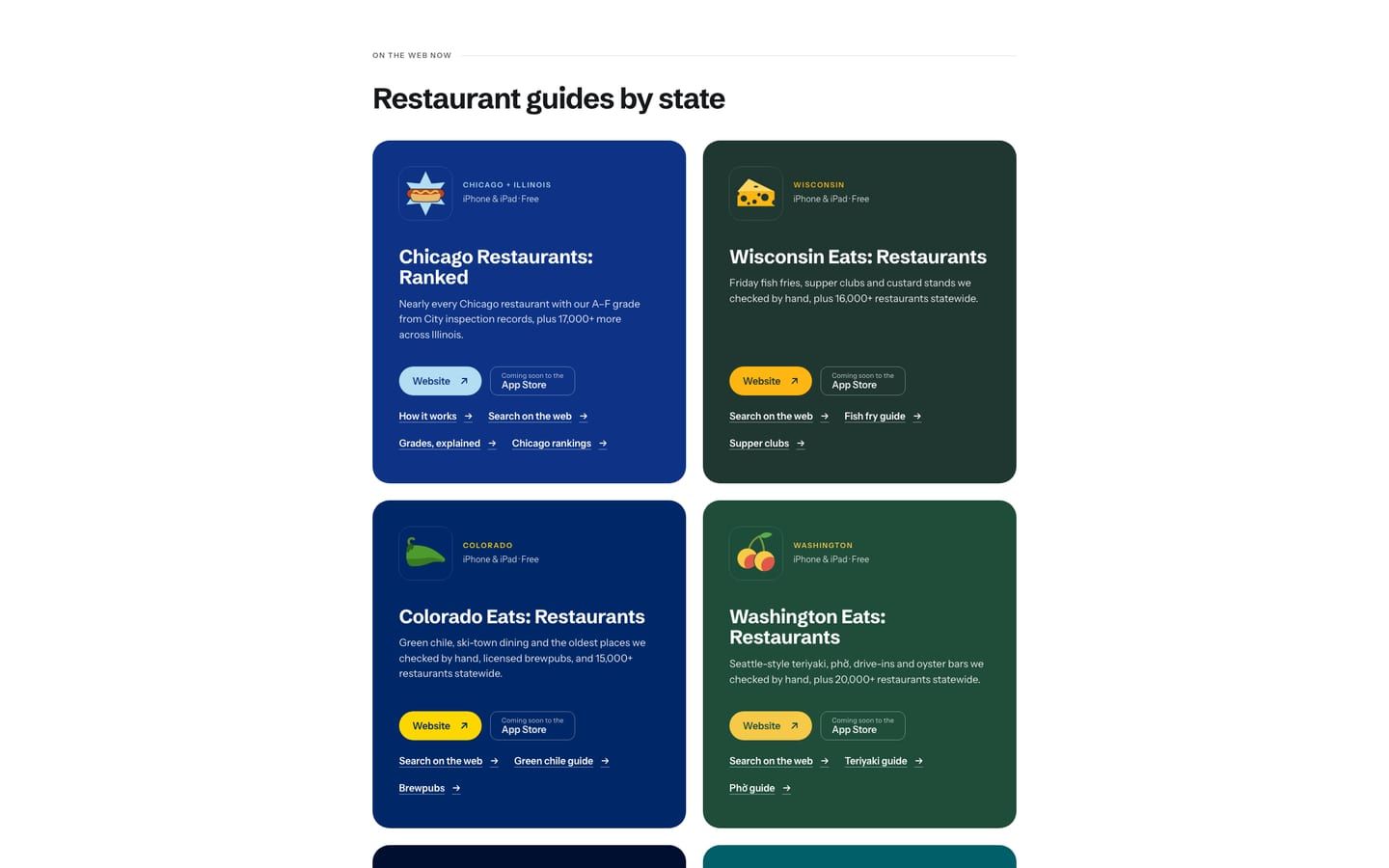
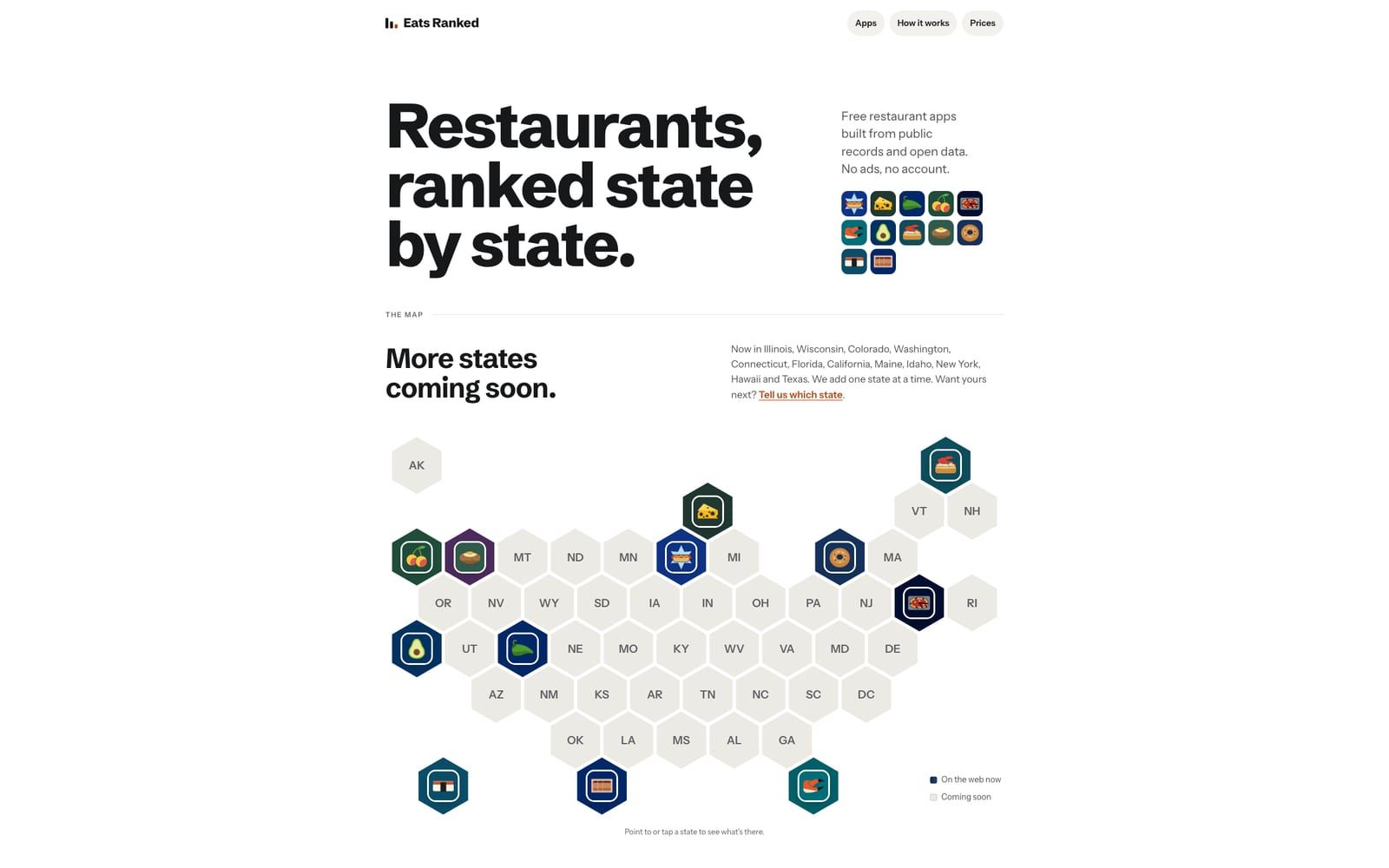
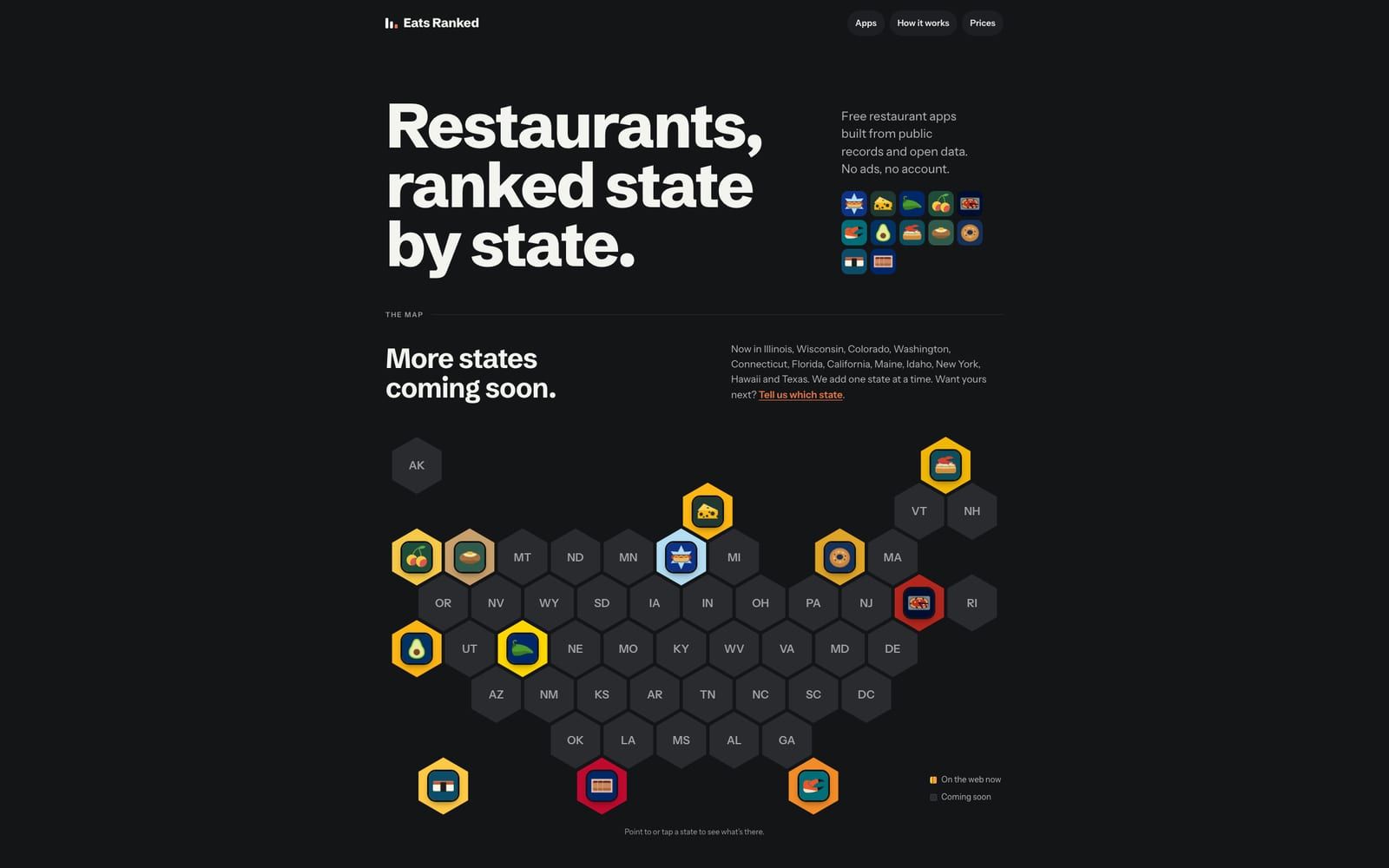
eatsranked.com: one static page generated from a single data file of states and prices. It opens with a map of the live states, and each state’s icon links to its site; further down are a card for each app and a restaurant-prices section built from Bureau of Labor Statistics data. No cookies, no analytics, no requests to other sites.
Inspection results, as each agency publishes them.
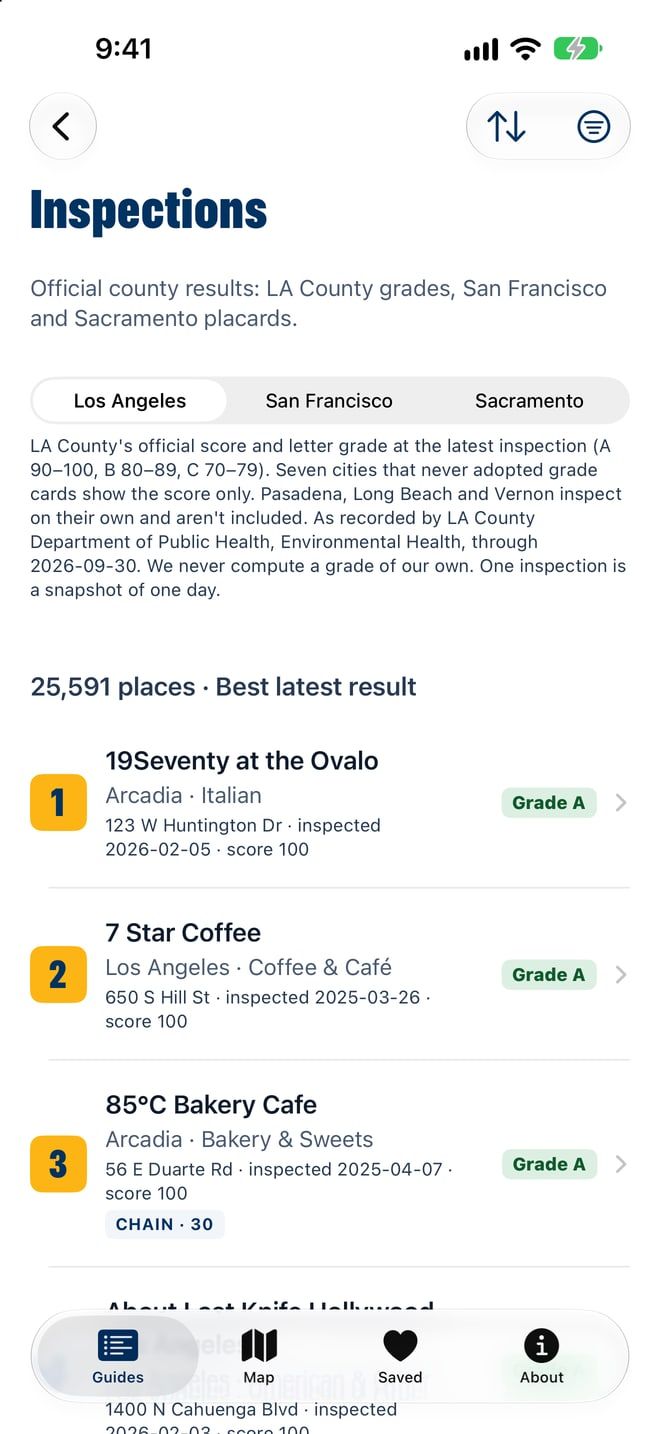
Where an agency’s inspection data can be used, the apps show its results as recorded and never re-grade them: Florida’s statewide inspection results, LA County’s letter grades, King County’s food safety ratings. Search-only portals and data published without a license are left out. Chicago records results such as Pass, Pass with Conditions or Fail but no letter grade, so the Chicago app adds its own: a 0–100 score and an A–F grade from the results since January 2023, for more than 7,000 restaurants. Every screen that shows a grade says it is the app’s, not the City’s.
Each state’s own food, checked one place at a time.
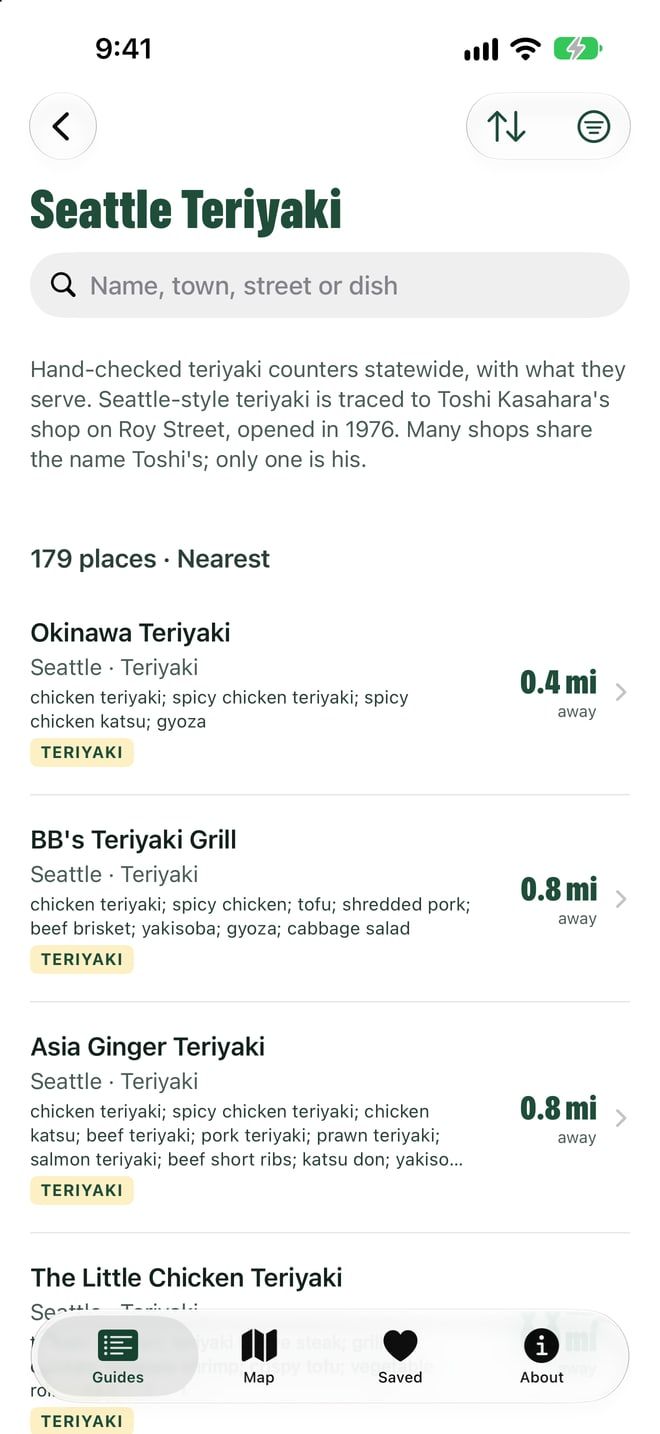
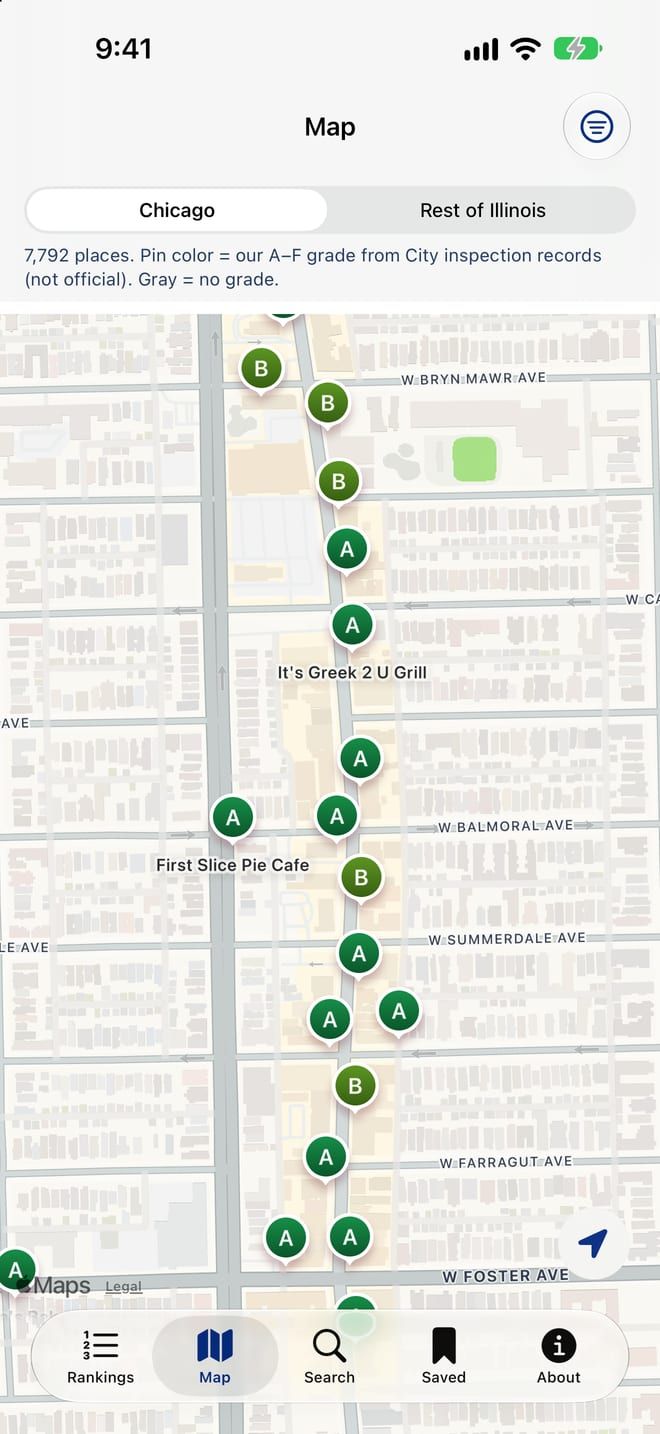
From Wisconsin on, every app has guides to its state’s food traditions: fish fries and supper clubs in Wisconsin, green chile in Colorado, Seattle teriyaki in Washington, New Haven apizza in Connecticut, stone crabs and Cuban sandwiches in Florida, taquerías and dim sum in California. Research agents checked each place against a 2025–26 source, such as its own site or menu or a dated news story, and the guides list only places checked open. Wisconsin’s alone has 402 Friday fish fries and 211 supper clubs. The apps store no customer reviews or star ratings; ratings, hours and photos open in Apple Maps’ own place card.
Five more states live in four days.
Chicago and Wisconsin came first, in late September. Between October 5 and 8, Colorado, Washington, Connecticut, Florida and California went live on the web, each built from one shared playbook and fitted to what its state, counties and cities publish, with its own name, icon, palette and guides. What one state’s QA round catches goes into the playbook for the next. Maine, Idaho, New York, Hawaii and Texas have followed since, for twelve states on the web.
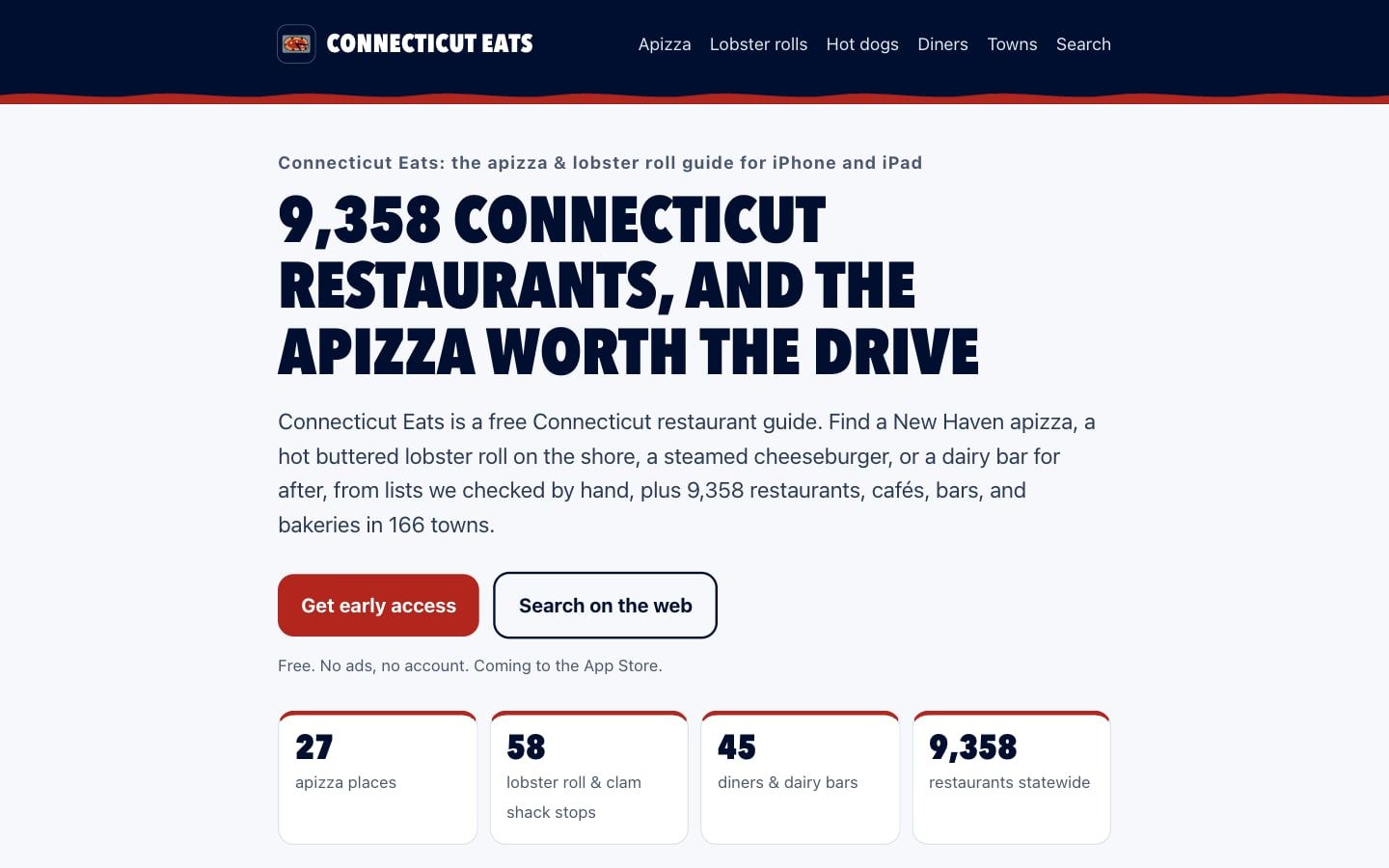
Chicago’s new records, checked before they ship.
Of all the apps, the Chicago app is the one that refreshes its data every week, because the City keeps adding inspection results. A Python pipeline scheduled for every Monday refetches the City’s records and publishes only if every check passes: Chicago counts within 5% of the data already published, no more than 10% of grades changed, and a spot check of changed grades against the City’s own data. The app downloads the new data without an app update, and the web version reads the same files.
Who did what
How it got made
Start with one city
AITurned Chicago’s inspection records into a score and an A–F grade, built the iPhone app and wrote an App Review and legal-risk audit before launch.
MeSet the app’s rules: no Google data, no customer reviews or star ratings, no Yelp.
Then a second state
AIBuilt Wisconsin Eats from the Chicago app’s structure, with research agents checking each fish fry and supper club against a 2025–26 source.
MeDecided the name should cover restaurants in general, with fish fry and supper clubs as the tagline, and chose one domain with a site per state instead of buying wisconsineats.com.
A hub and ten more
AIBuilt eatsranked.com from one data file, then Colorado, Washington, Connecticut, Florida and California, and later Maine, Idaho, New York, Hawaii and Texas, each fitted to whatever inspection data its state or local health agencies publish.
MeChose each state’s icon (a Pueblo green chile, not a peach) and made the licensing calls.
Ship and keep it current
AISet up the weekly Chicago data refresh with its checks, and wrote the App Store listings and review replies.
MeSubmitted the first app, Wisconsin Eats, for App Review on September 28; Apple asked for more information. None of the apps is on the App Store yet.
Follow Eats Ranked
Live on the web in twelve states · iPhone and iPad apps coming soon

 Clam
Clam